Controls
- WASD: Move and jump.
- Mouse: Mine or place blocks.
- 1–9: Select items from the hotbar.
- E: Open or close the inventory.
- F: Eat food.
- Q: Drop an item.
- P: Pause or resume the game.
- O: Save your game.

Paper Minecraft
Overview of Paper Minecraft
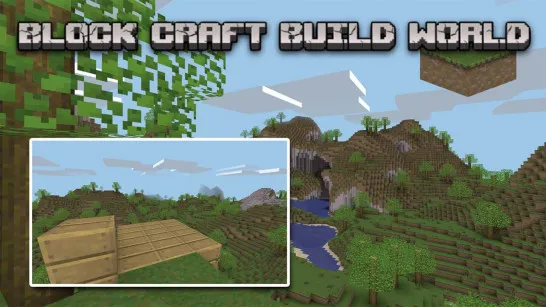
Paper Minecraft is a 2D sandbox game inspired by Minecraft, bringing familiar mining, crafting, building, exploration, and survival mechanics into a side-scrolling block world. Instead of following a fixed path, you decide how to play: gather resources, dig underground, craft useful items, build a shelter, or simply explore the environment.
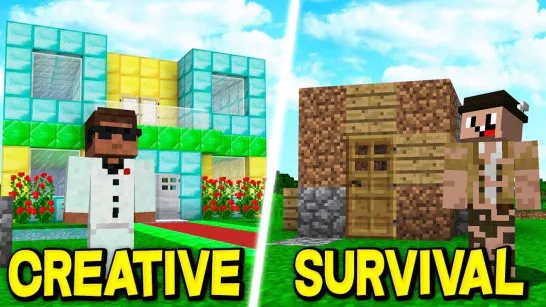
This online simulation game supports different ways to enjoy its sandbox world. Survival Mode challenges you to manage resources and stay alive against hostile creatures, while Creative Mode puts more emphasis on freely placing blocks and building. Its simple 2D presentation makes the experience easy to approach while keeping the open-ended freedom that defines block-building games.
Core Gameplay Mechanic
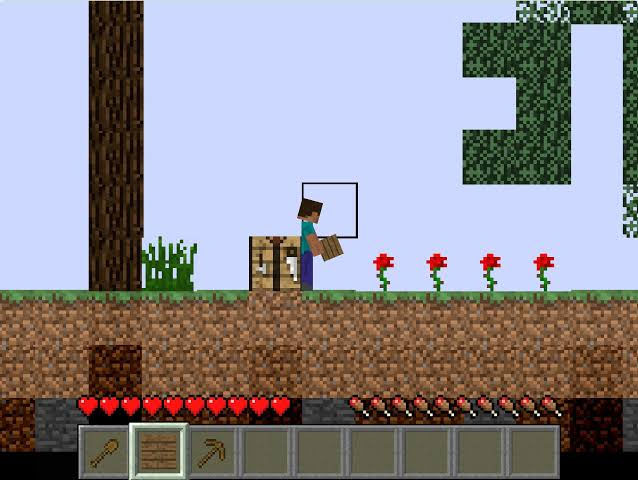
Paper Minecraft follows an open-ended sandbox loop built around exploration, mining, crafting, building, and survival.
- Mine and Gather Resources: Break blocks, explore the world, and dig underground to collect materials needed for crafting and construction.
- Craft and Build: Turn resources into useful items and place blocks to create shelters or your own structures. Creative Mode gives you more freedom to focus on building.
- Explore and Survive: In Survival Mode, find food, prepare equipment, and protect yourself from hostile mobs such as zombies, skeletons, and creepers while exploring the block world.
Game Controls Guide
- WASD: Move and jump.
- Mouse: Mine or place blocks.
- 1–9: Select items from the hotbar.
- E: Open or close the inventory.
- F: Eat food.
- Q: Drop an item.
- P: Pause or resume the game.
- O: Save your game.
Tips for Playing Paper Minecraft
- Gather Basic Resources First: Build up a useful supply of materials before exploring too far.
- Build a Shelter: A safe structure can make surviving hostile mobs much easier.
- Keep Useful Items Ready: Organize your hotbar so important tools and blocks are quick to reach.
- Don't Ignore Food: Survival isn't only about avoiding enemies; keeping your character supplied matters too.
Ready to create your own block world? Play Paper Minecraft, gather resources, craft useful items, build your base, and explore as far as you can.
Play More Sandbox Games
Discuss Paper Minecraft