Controls
- WASD: Move
- Space: Jump
- Left Mouse Button: Action 1
- Right Mouse Button: Action 2
- Q: Open Creative/Spawn Menu
- X: Manage World / Game Rules
- R: Reload
- Esc / P: Open or pause the game menu










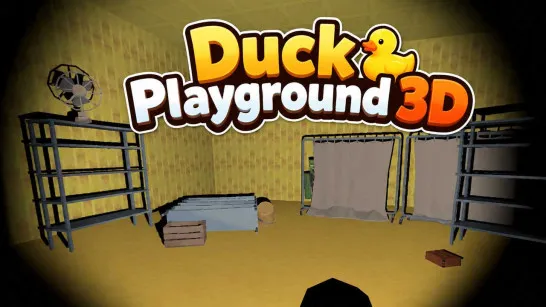
Duck Playground 3D
Overview of Duck Playground 3D
Duck Playground 3D is a physics-based sandbox game that gives you an open space to build, experiment, and cause as much chaos as you want. Rather than following missions or chasing a fixed objective, you decide what happens next. Open the creative menu to spawn characters, objects, weapons, vehicles, and other tools, then arrange them into structures, traps, experiments, or completely improvised scenarios. Ragdoll physics and destructible setups make interactions unpredictable, while an arsenal ranging from experimental tools to heavy weapons lets you test what your creations can survive.
Core Gameplay Mechanic
There is no required path. Pick a map, open the creative tools, and turn the empty space into your own physics playground.
- Spawn, Build, and Experiment: Use the creative menu to bring objects and characters into the world. Position them however you like to build structures, traps, obstacle setups, or unusual physics experiments. Tools such as the Gravity Gun give you even more control over moving and arranging objects.
- Create Chaos with Physics: Once your setup is ready, interact with it using weapons, explosives, vehicles, and other tools. Objects collide and structures react to impacts, while ragdoll characters respond dynamically to whatever happens around them. You can destroy everything and start again with a completely different idea.
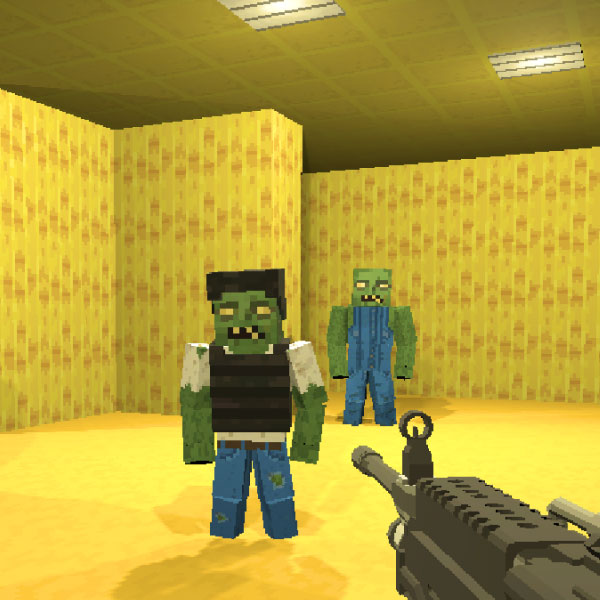
- Explore Different Sandbox Maps: Choose a setting that fits the scenario you want to create. The available maps range from open Field and Desert areas to the enclosed Test Chamber, eerie Backrooms and Night Forest, as well as Maze and Pit environments.
Controls Guide
- WASD: Move
- Space: Jump
- Left Mouse Button: Action 1
- Right Mouse Button: Action 2
- Q: Open Creative/Spawn Menu
- X: Manage World / Game Rules
- R: Reload
- Esc / P: Open or pause the game menu
Tips for Playing Better
- Start with a simple setup: Learn how objects react before building something complicated.
- Use the right map: Open areas work well for large experiments, while enclosed maps create tighter scenarios.
- Experiment with physics: Combine ragdolls, objects, vehicles, and weapons to discover unexpected reactions.
- Use creative tools freely: Move and reposition objects until your setup works the way you want.
- Destroy and rebuild: There is no penalty for abandoning an experiment and trying something completely different.
Build it, test it, break it, and start all over again. Duck Playground 3D leaves the experiment entirely up to you.
Play More Sandbox Games
Discuss Duck Playground 3D