
Controls
PC Controls
- Spacebar / Up Arrow / Left Mouse Button: Jump or perform the current form's action.
- Hold the Action Button: Maintain flight or another continuous movement when applicable.
- Release the Action Button: Descend or change movement according to the current form.
Mobile Controls
- Tap: Jump or activate the current movement action.
- Hold / Release: Control continuous movement, such as Ship or Wave.









Challenge Rush
Introduction to Challenge Rush
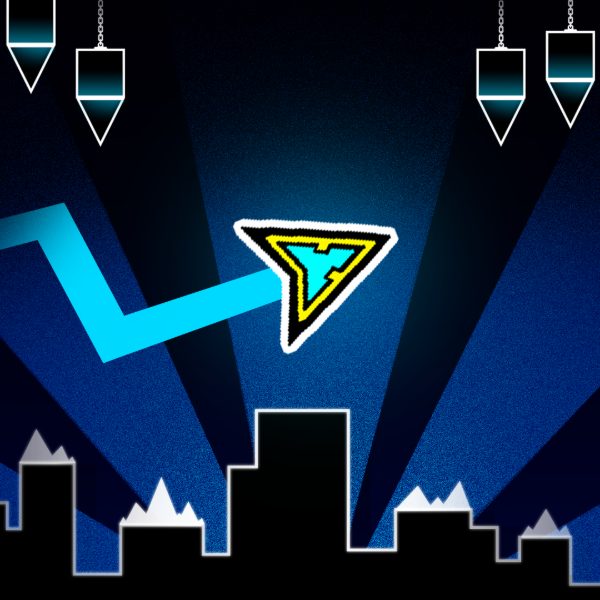
Challenge Rush is a fast-paced rhythm platformer where every jump, flight, and gravity shift depends on precise timing. The online game sends a geometric icon racing automatically through obstacle-filled levels synchronized with energetic music. Your mission is to avoid spikes, clear gaps, navigate portals, and reach the finish line without crashing.
The controls are simple, but the challenge changes as your icon transforms into different movement forms. A single input might make you jump, fly upward, or switch gravity depending on the current section. Beyond the main levels, Challenge Rush offers practice challenges, endless runs, and community-created stages that put your reflexes and concentration to the test.
Core Gameplay and Game Modes
Every level is built around automatic movement and one-button controls. You cannot stop your icon, so success comes from reading the course and reacting at the right moment.
Master Different Movement Forms
Portals change how your icon behaves, introducing new challenges without changing the basic input.
- Cube: Jump over spikes and gaps with well-timed presses.
- Ship: Hold to fly upward and release to descend.
- Ball: Switch gravity to navigate between surfaces.
- UFO: Tap repeatedly to perform short airborne jumps.
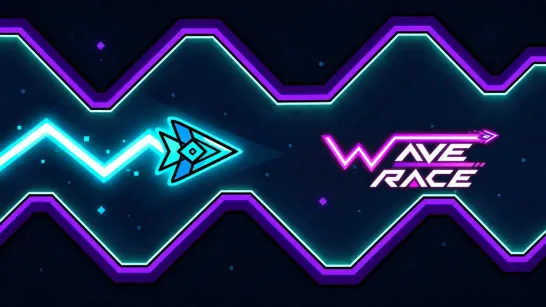
- Wave: Hold and release to guide a zigzagging flight path.
Choose Your Challenge
- Normal Mode: Complete a level from start to finish without crashing.
- Practice Mode: Use checkpoints to rehearse difficult sections.
- Endless Mode: Survive an increasingly demanding obstacle course.
- Community Levels: Explore challenges designed and shared by other players.
How to Play Challenge Rush
Choose a level and watch your icon move forward automatically. Press the action button to jump or control your current form, avoiding spikes, walls, and other hazards along the way.
Pay attention to upcoming portals because they can change your movement style, speed, or gravity. When you crash, restart and use what you learned to improve your timing. For difficult stages, Practice Mode lets you repeat challenging sections before attempting a complete run.
Game Controls
PC Controls
- Spacebar / Up Arrow / Left Mouse Button: Jump or perform the current form's action.
- Hold the Action Button: Maintain flight or another continuous movement when applicable.
- Release the Action Button: Descend or change movement according to the current form.
Mobile Controls
- Tap: Jump or activate the current movement action.
- Hold / Release: Control continuous movement, such as Ship or Wave.
Tips to Beat Difficult Levels
- Follow the rhythm: Use the music to anticipate jumps and obstacle sequences.
- Watch ahead: Focus on approaching hazards rather than only your icon.
- Practice portal transitions: Prepare for changes in movement before entering a portal.
- Stay consistent: Choose one control method and develop reliable timing.
Similar Games Must Try
Discuss Challenge Rush