

Controls
PC Controls
- WASD / Arrow Keys: Move
- Right Mouse Button: Look around / rotate the camera
- Space Bar: Jump
- Z: Lock your character
- Q: Open the drawing panel
- V: Open the pose panel
- T: Open the sound panel
Mobile Controls
- Virtual Joystick: Move
- Bottom-right button: Jump
- Touch controls: Interact with available game functions
















Meccha Chameleon Online
Meccha Chameleon Online Overview
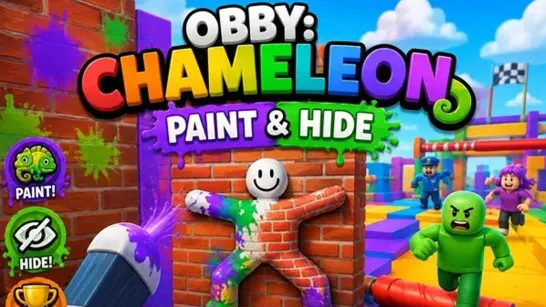
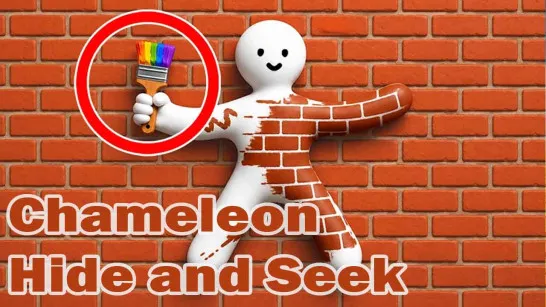
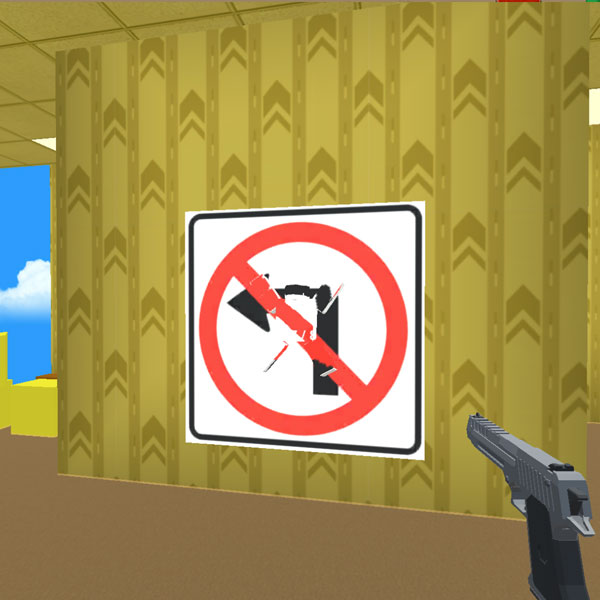
Meccha Chameleon Online is a multiplayer hide-and-seek party game that turns color and camouflage into your best hiding tools. Inspired by the original viral game Meccha Chameleon, each match splits players between Hiders and Seekers, but simply running out of sight is not the whole challenge. Hiders can paint their characters, adjust their pose, and position themselves against walls, floors, or objects to disappear into the scenery. Seekers have the opposite job: scan the map for an unusual silhouette, mismatched color, sudden movement, or anything else that gives a disguise away. Your goal depends on the role you get - stay hidden until time runs out or uncover the players trying to blend into the map.
Core Gameplay Mechanic
Meccha Chameleon Online turns hide-and-seek into a game of camouflage and observation. Hiders use colors, poses, and positioning to blend into the map, while Seekers search for anything that looks out of place.
- Paint Your Character to Blend In: Find a suitable hiding spot, then use the drawing tools to match your character with nearby walls, floors, or objects. Good camouflage depends on both color and location, so choose a spot where your disguise looks natural.
- Find the Right Pose and Stay Hidden: Adjust your pose to make your silhouette fit the surroundings. Once hidden, avoid unnecessary movement, especially when a Seeker is nearby.
- Spot Disguised Players as a Seeker: As a Seeker, scan the environment for mismatched colors, unusual shapes, suspicious poses, or movement. Caught Hiders can join the hunt, making it increasingly difficult for the remaining players to stay hidden.
Game Controls Guide
PC Controls
- WASD / Arrow Keys: Move
- Right Mouse Button: Look around / rotate the camera
- Space Bar: Jump
- Z: Lock your character
- Q: Open the drawing panel
- V: Open the pose panel
- T: Open the sound panel
Mobile Controls
- Virtual Joystick: Move
- Bottom-right button: Jump
- Touch controls: Interact with available game functions
Camouflage Tips and Tricks
- Find your hiding place before painting: Choose the environment you want to imitate first, then build your disguise around it.
- Match more than the color: Think about your position and silhouette as well as the surface color around you.
- Avoid unnecessary movement: A good disguise can fall apart instantly if a Seeker notices you moving.
- Use poses to change your outline: Pick a position that makes your character look less obvious against nearby scenery.
- Search for imperfections as a Seeker: Small differences in color, shape, positioning, or movement can reveal a hidden player.
Pick your colors, find the right pose, and try to become part of the scenery. Play Meccha Chameleon Online and see whether your camouflage is convincing enough to survive the hunt