
Controls
PC
- WASD / Arrow Keys: Move
- Mouse: Look around
- Mouse Wheel: Zoom camera
- Space: Jump
- Shift: Sprint
- C: Crouch
- Left Click: Punch / Use
- E: Interact
- F: First-person view
- G: Open emote wheel
- Enter: Open chat
- Tab: Player list
- P: Menu and settings
Mobile
- Virtual Joystick: Move
- Swipe / Pinch: Adjust camera and zoom
- On-screen Buttons: Jump, run, crouch, punch, chat, and perform other actions





Blombo.io
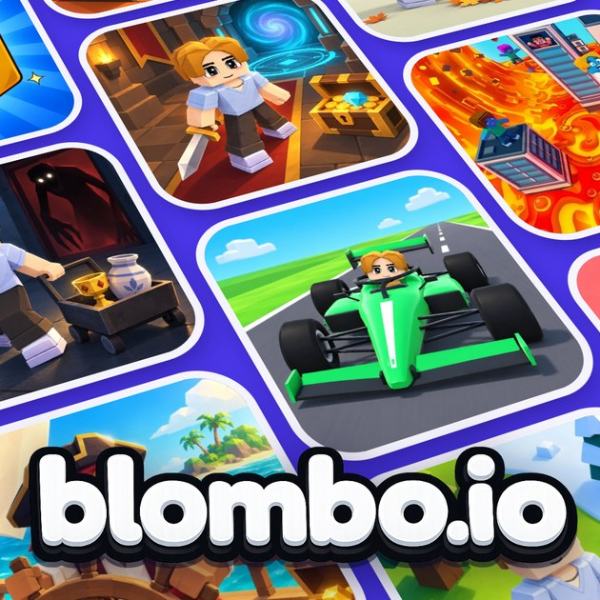
Blombo.io - Explore Without Limits!
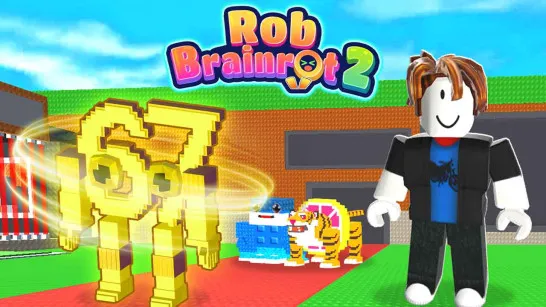
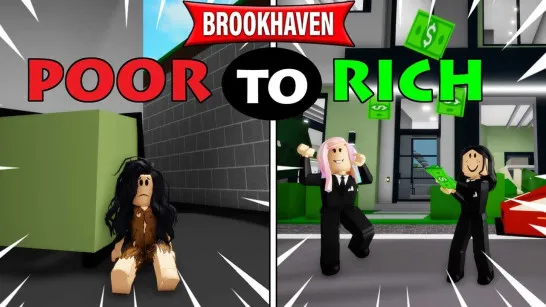
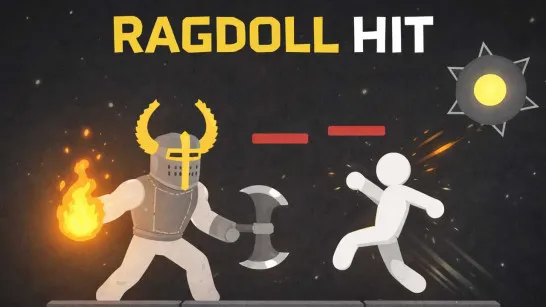
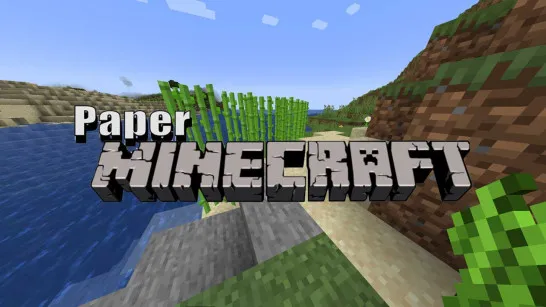
Imagine stepping into a virtual playground where every doorway leads to a different adventure. Blombo.io is a 3D multiplayer gaming platform packed with over 100 community-created experiences, from thrilling obstacle courses and competitive battles to relaxing roleplay worlds. You can team up with friends, meet new players, or discover something completely unexpected. But the fun doesn't stop at playing! With built-in creative tools, you can design your own worlds and share them with the community. Whether you're here to compete, socialize, or create, there's always something new waiting to be explored.
What Can You Do in This Virtual Universe?
This platform offers much more than a traditional multiplayer game.
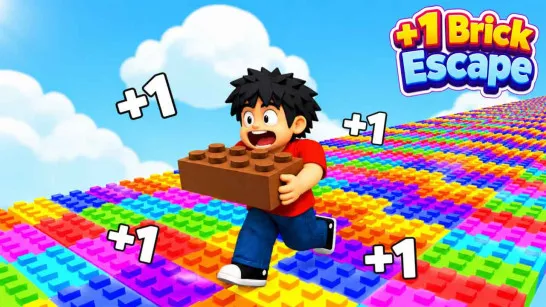
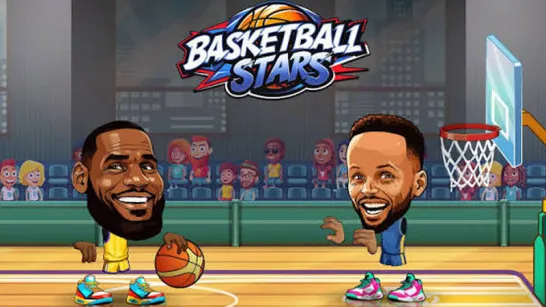
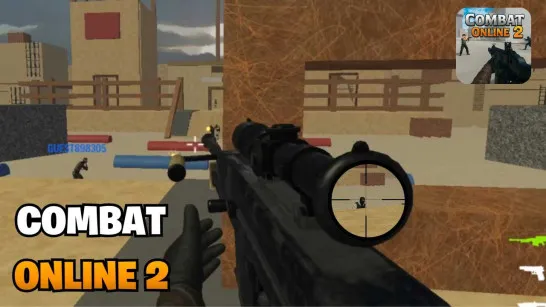
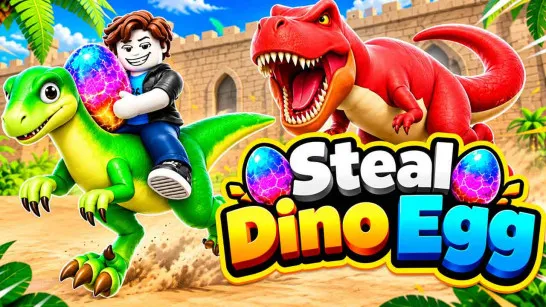
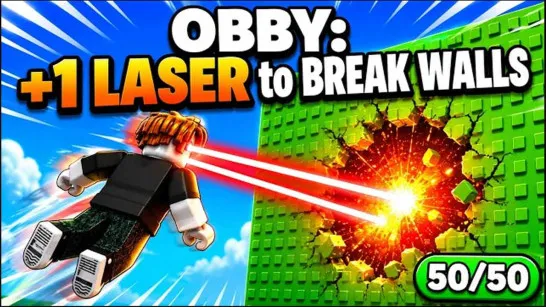
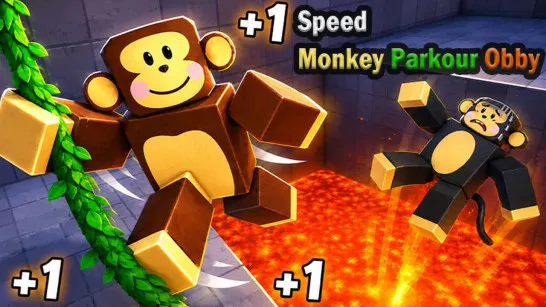
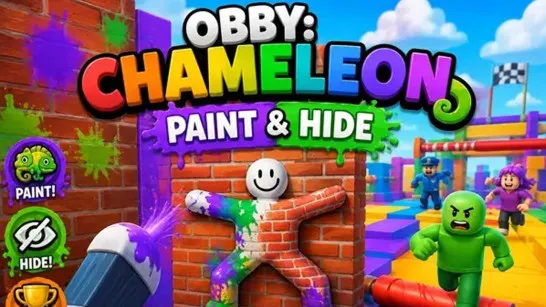
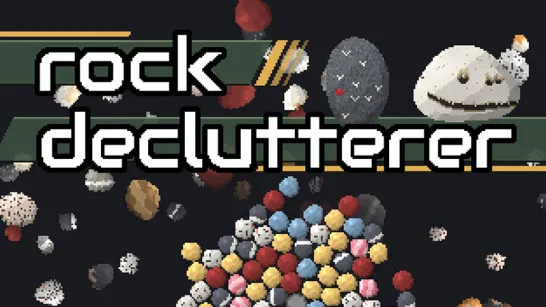
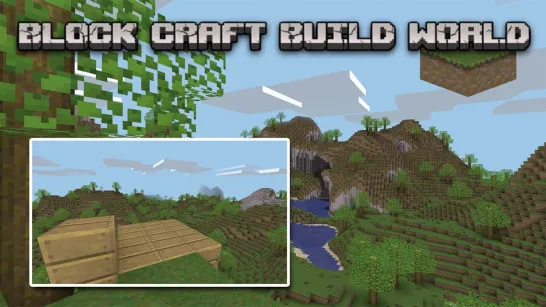
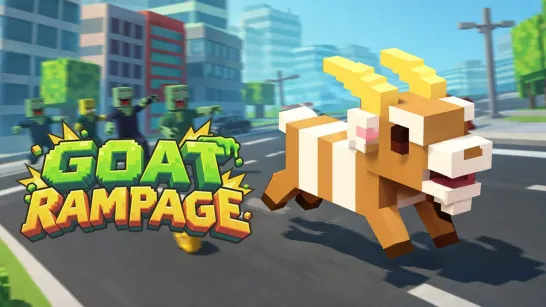
- Explore Community Games: Discover parkour, survival, horror, battle royale, building, and roleplay experiences.
- Play With Friends: Join shared worlds, chat with other players, and enjoy cooperative or competitive activities.
- Customize Your Avatar: Choose skins, hairstyles, faces, and accessories to create your own look.
- Build 3D Worlds: Use an integrated editor with shapes, textures, lighting, and thousands of ready-made objects.
- Create Interactive Gameplay: Add custom rules and mechanics using JavaScript, then publish your creations for others to enjoy.
How to Play Blombo.io
There's no fixed storyline or single objective. Your adventure depends on the experience you choose.
Discover Games and Meet Other Players
Browse the HOT, BEST, or NEW sections to find something interesting. You might race through an obby course, survive a zombie invasion, battle opponents in an arena, or explore a virtual city. Each game introduces its own challenges, so take a moment to learn the rules before jumping in. You can also chat, use emotes, and join friends in multiplayer worlds.
Design and Share Your Own Creations
Want to build instead of play? Open the world editor to arrange objects, customize environments, and experiment with interactive elements. You can test your creations before publishing them, allowing other players to experience the worlds you've designed.
Game Controls
PC
- WASD / Arrow Keys: Move
- Mouse: Look around
- Mouse Wheel: Zoom camera
- Space: Jump
- Shift: Sprint
- C: Crouch
- Left Click: Punch / Use
- E: Interact
- F: First-person view
- G: Open emote wheel
- Enter: Open chat
- Tab: Player list
- P: Menu and settings
Mobile
- Virtual Joystick: Move
- Swipe / Pinch: Adjust camera and zoom
- On-screen Buttons: Jump, run, crouch, punch, chat, and perform other actions
Quick Tips for Getting Started
- Try different genres: Explore several worlds to find your favorite activities.
- Join friends: Multiplayer adventures are often more enjoyable together.
- Personalize your character: Experiment with skins and accessories.
- Start small when building: Learn the editor before creating complex worlds.
Try More Sandbox Games
Discuss Blombo.io