Controls
PC
- Press and Hold Mouse Button: Aim and set kick power
- Move Mouse: Adjust the direction of the pass or shot
- Release Mouse Button: Pass or shoot
Mobile
- Touch and Hold: Aim and set power
- Drag: Adjust the kick direction
- Release: Pass or shoot


Soccer Aiming Simulator in 3D
About Soccer Aiming Simulator in 3D Game
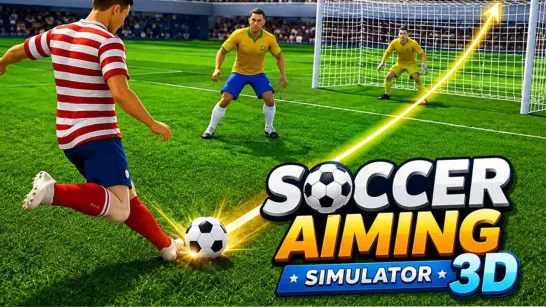
Soccer Aiming Simulator in 3D is a 3D soccer game built around precise passing, shooting, and tactical play across the field. Instead of using complicated button combinations, you control the direction and power of each kick to move the ball between teammates and create scoring opportunities. When possession changes, you need to intercept passes, protect your goal, and look for a chance to regain the ball. You can jump into a Quick Match with national teams from around the world or compete through Tournament mode. With simple aim-and-release controls, success depends on accuracy, positioning, quick decisions, and choosing the right moment to attack. Pick your national team, sharpen your aim, and see if you can turn accurate passes and well-placed shots into victory!
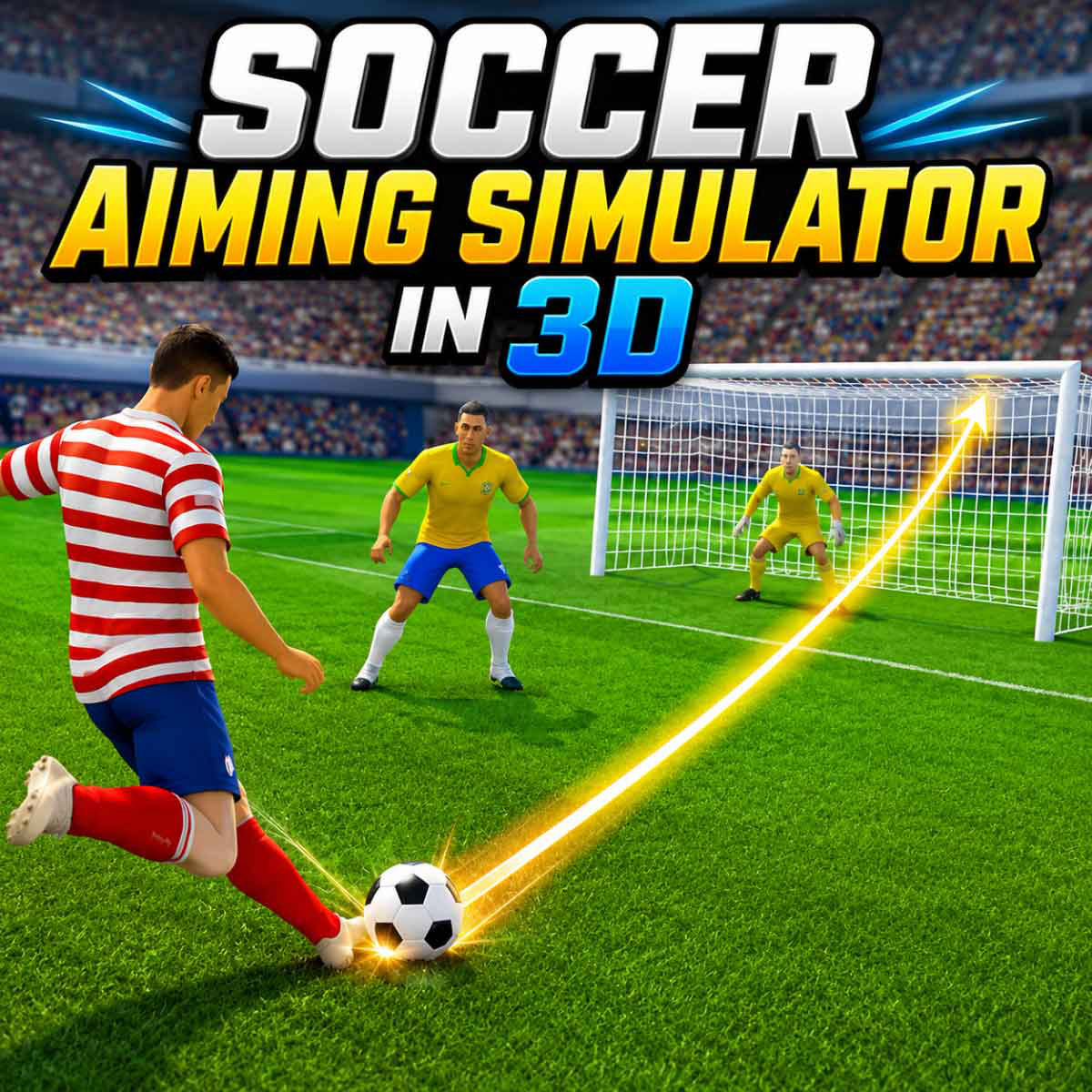
How Each Soccer Match Works
The match constantly shifts between attack and defense. When your team has possession, look for an open teammate and aim a pass into a useful position. Moving the ball forward creates better shooting angles, but careless passes can give possession straight back to the opponent.
Near the goal, the same aiming system is used to shoot. Adjust both direction and power, then release at the right moment to send the ball toward the target. Once the opponent takes possession, focus on reading the next pass, intercepting the ball, and preventing a clear shot on your goal.
The team with more goals wins, so good aim alone is not enough. You also need to decide when to pass, when to shoot, and when to defend.
Soccer Controls
PC
- Press and Hold Mouse Button: Aim and set kick power
- Move Mouse: Adjust the direction of the pass or shot
- Release Mouse Button: Pass or shoot
Mobile
- Touch and Hold: Aim and set power
- Drag: Adjust the kick direction
- Release: Pass or shoot
Tips for More Accurate Passing and Shooting
- Aim away from the goalkeeper: Target an open corner instead of the center of the goal.
- Use light power for short passes: Overcharging makes nearby passes harder to control.
- Intercept passing lanes: Predict the next pass instead of chasing the ball.
- Counter quickly: After an interception, pass forward before the defense resets.
- Keep your aim steady: Avoid sudden mouse movement just before releasing the kick.
More Sports Games to Try
Discuss Soccer Aiming Simulator in 3D