
Controls
- WASD: Move around the ship.
- Mouse: Look around and aim.
- F: Interact with the helm, sails, and cannons.
- A / D: Steer while using the helm or adjust the sail angle.
- Left Mouse Button: Fire the cannon.
- Space: Jump.














Ships 3D
Overview of Ships 3D
Ships 3D is a 3D multiplayer naval combat game where you command a wooden sailing ship and fight other players across the open sea. Rather than controlling your entire vessel from a single screen, you move around the deck in first person, taking charge of the steering wheel, sails, and cannons.
Winning a battle takes more than accurate shooting. You must position your ship, use the wind to maintain speed, and fire at the right moment. Invite friends to join your crew or rely on a Helper Bot to handle certain duties while you focus on combat. Every encounter becomes a mix of sailing, teamwork, and explosive cannon battles.
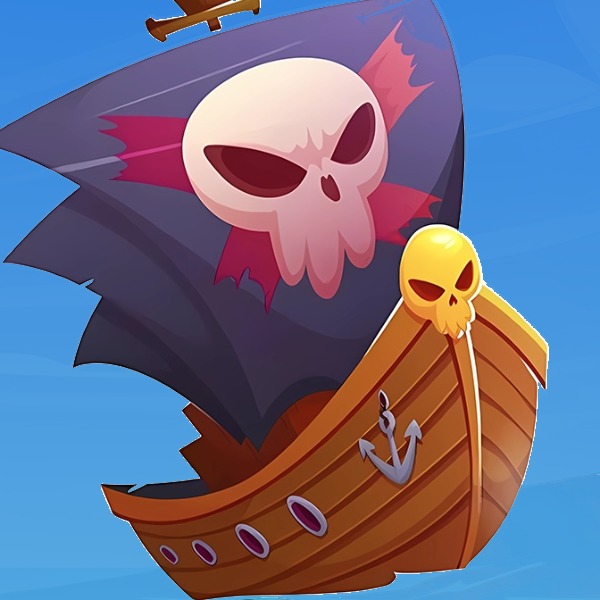
Take Command of Your Warship
Your objective is to outmaneuver enemy vessels, land cannon shots, and survive the battle while improving your ship.
Steer, Adjust Sails, and Build Speed
Walk to the helm and interact with it to control your ship's direction. Turn toward enemies or reposition to avoid incoming cannon fire.
Sailing also depends on wind direction. Watch the flags and adjust your sails to improve speed. A poorly positioned sail can leave your ship moving too slowly to escape danger.
Fire Cannons and Sink Enemy Ships
Approach a cannon, take control, and aim at nearby opponents. Account for distance and the movement of both ships before firing.
You can handle the weapons yourself or share responsibilities with crewmates. A Helper Bot can also assist when you're playing without a full crew.
Earn Gold and Upgrade Your Vessel
Successful battles reward progression resources that can improve your ship and weapons. Use these upgrades to become more effective in future encounters, whether you prefer aggressive attacks or coordinated team battles.
Controls Guide
- WASD: Move around the ship.
- Mouse: Look around and aim.
- F: Interact with the helm, sails, and cannons.
- A / D: Steer while using the helm or adjust the sail angle.
- Left Mouse Button: Fire the cannon.
- Space: Jump.
Tips for Winning Naval Battles
- Watch the wind: Adjust your sails before attempting long pursuits.
- Aim ahead of moving ships: Predict their position when the cannonball arrives.
- Keep your ship moving: A stationary vessel is easier to target.
- Divide crew responsibilities: Let one player steer while another handles the cannons.
- Upgrade strategically: Improve the equipment that best supports your fighting style.
More Multiplayer Games
Discuss Ships 3D